Learn Docdemic with short, practical guides for clinical documentation, research workflows, AI tools, team setup, and account management.
Set up the basics and learn the main workspace.
Record, upload, review, and move finished notes into your normal workflow.
Control note structure, custom writing, chat, and saved documents.
Guides for interviews, systematic reviews, and medical statistics.
Keep access, professional context, security, and billing in order.
Set up the basics and learn the main workspace.
Set up your account, learn the Clinical Studio layout, create your first note, and find the research tools when you need them.
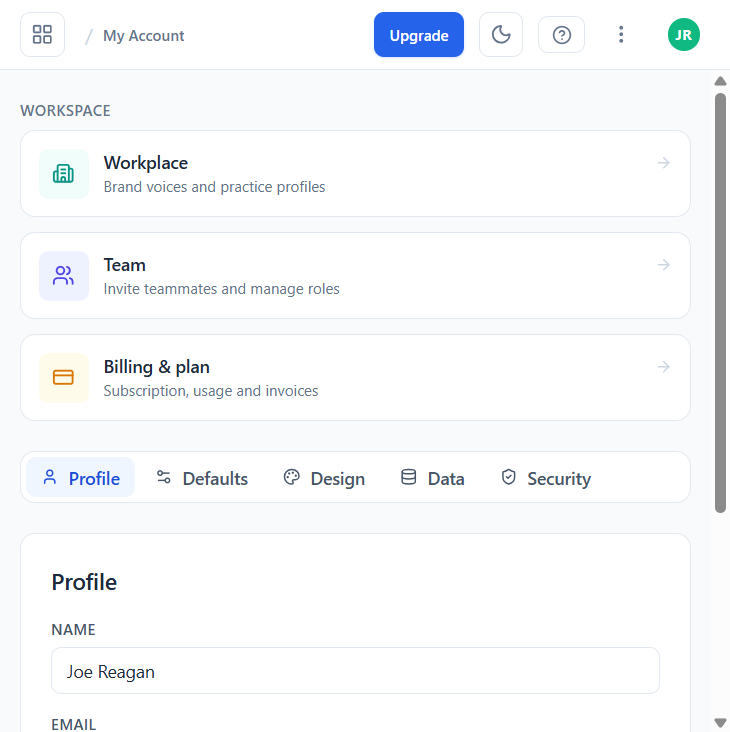
Create your account, confirm your details, and set the preferences that affect timestamps, language, and note output.
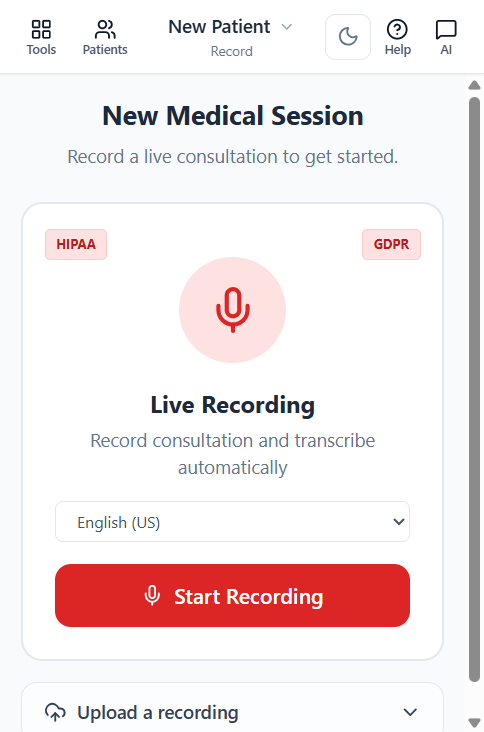
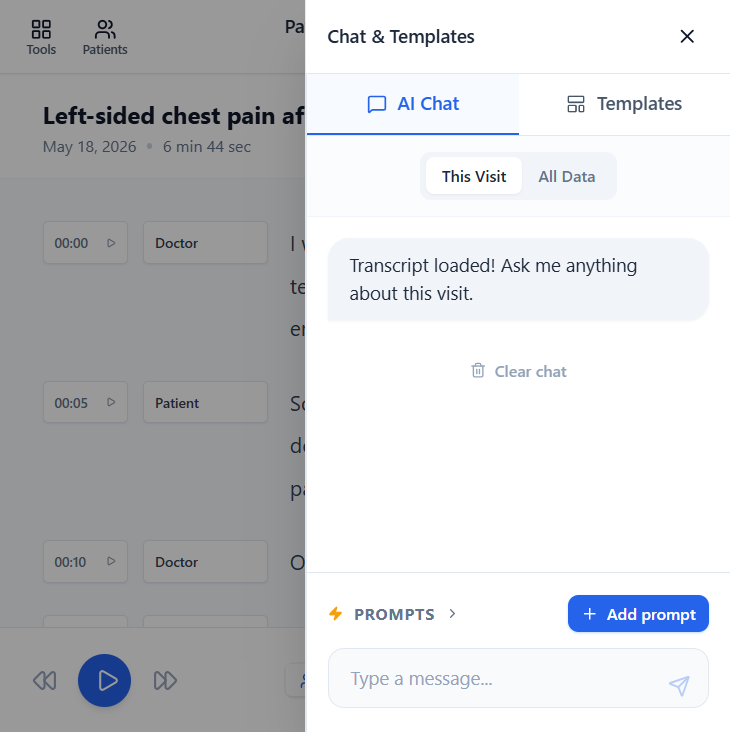
Navigate patients, past visits, transcripts, clinical notes, templates, and visit-level chat from the main clinical workspace.
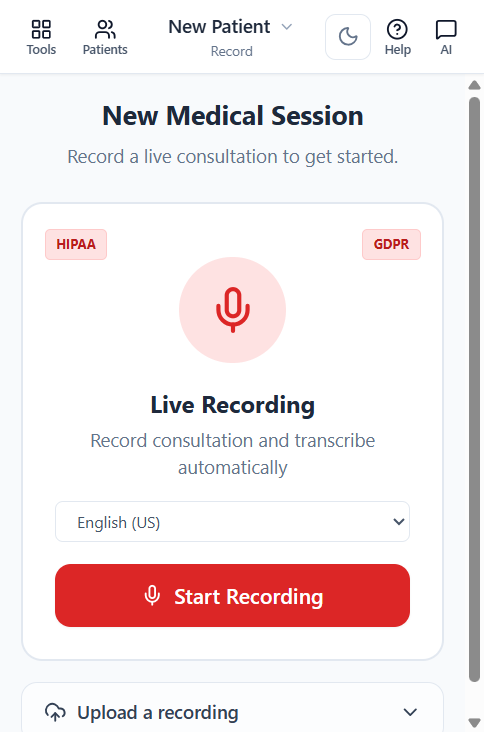
Record, upload, review, and move finished notes into your normal workflow.
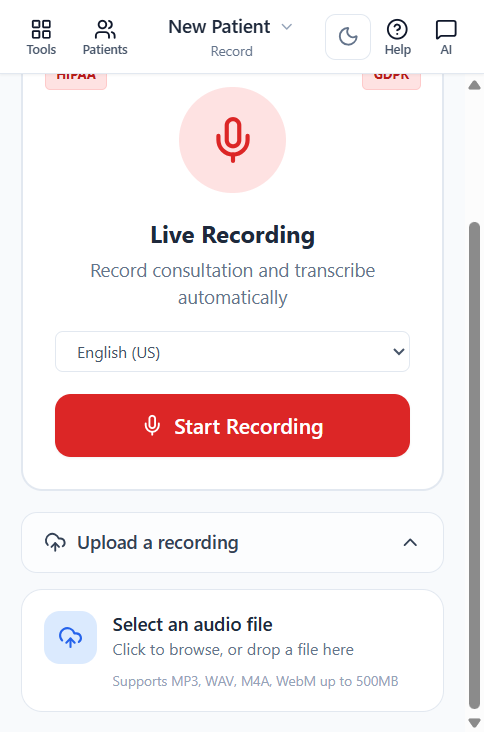
Record a visit directly in the browser and turn it into an editable transcript and clinical note.
Use uploads when the recording already exists on your device, from a phone, recorder, video meeting, or interview.
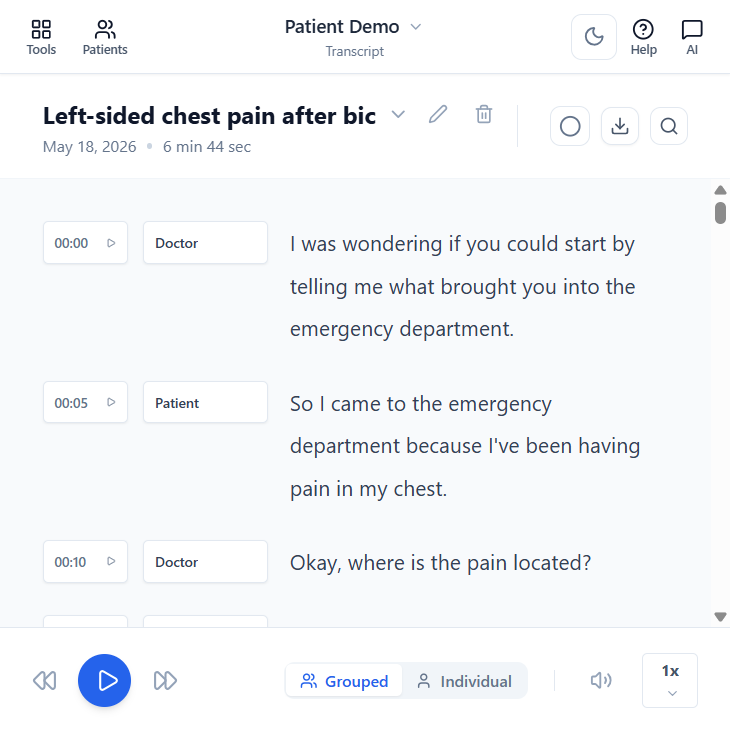
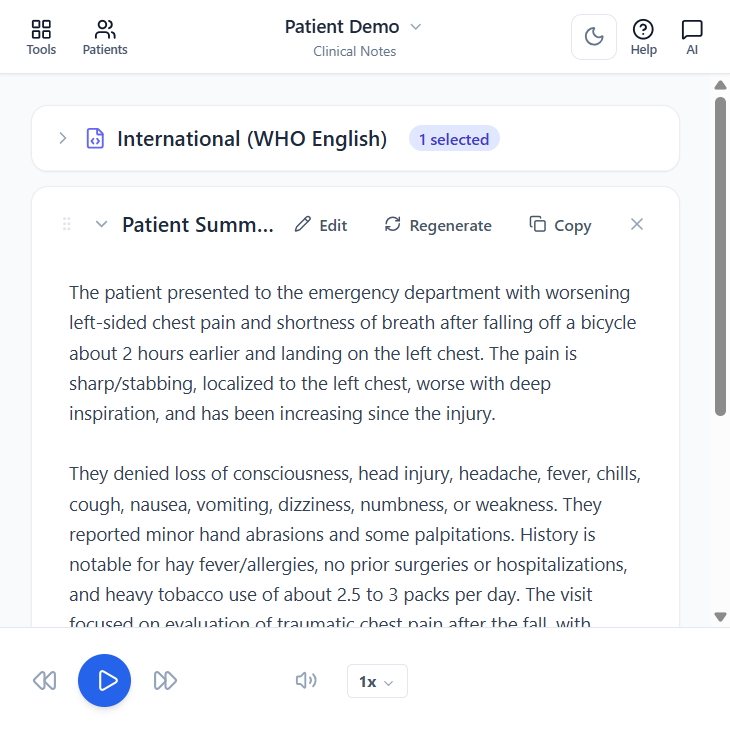
Review the transcript, correct important wording, then refine the clinical note with the editor and AI tools.
Move finished notes into your EHR or share research materials by copying, saving, downloading, or exporting from the relevant workspace.
Control note structure, custom writing, chat, and saved documents.
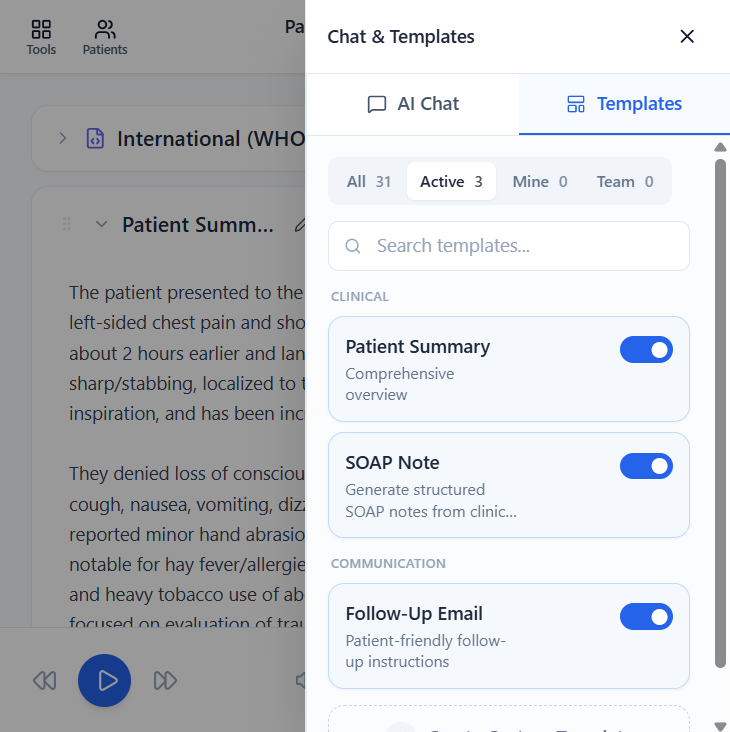
Use templates to turn transcripts into structured notes such as SOAP, referral letters, certificates, summaries, and patient-friendly text.
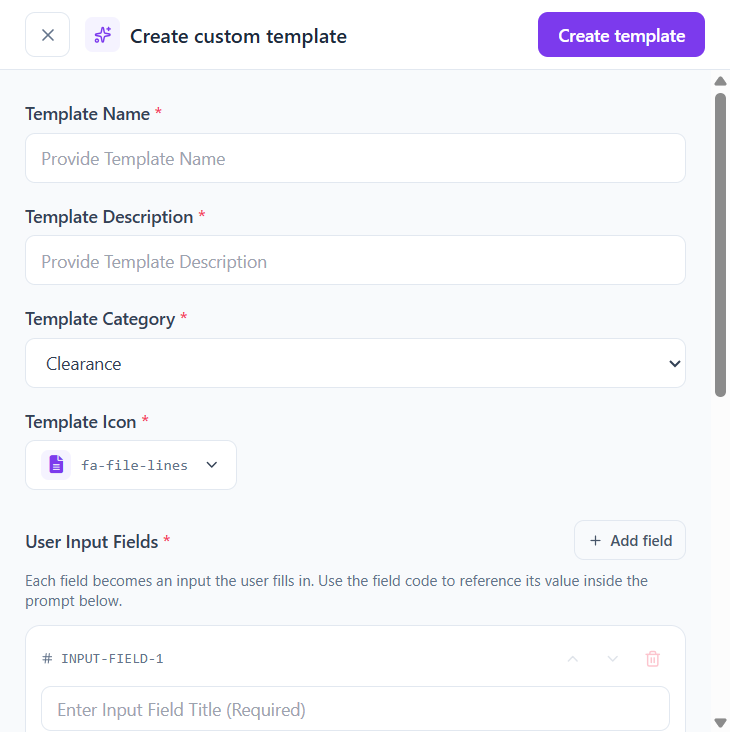
Create reusable note layouts, letters, summaries, and instructions that match your clinic, team, department, or study.
Choose the right assistant for general questions, rewriting, file-based work, or PubMed-grounded research answers.
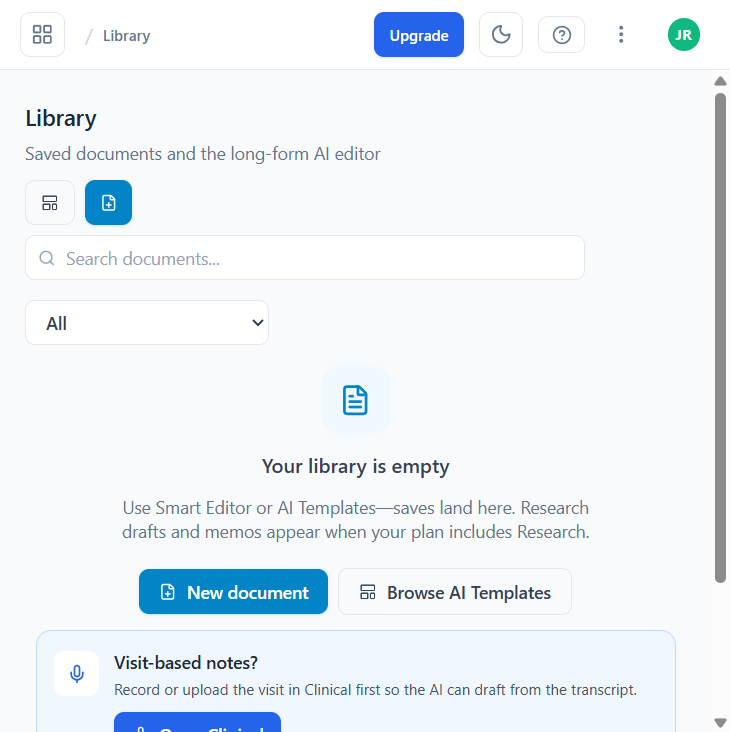
Find saved notes, uploads, exports, and longer documents without hunting through local downloads.
Guides for interviews, systematic reviews, and medical statistics.
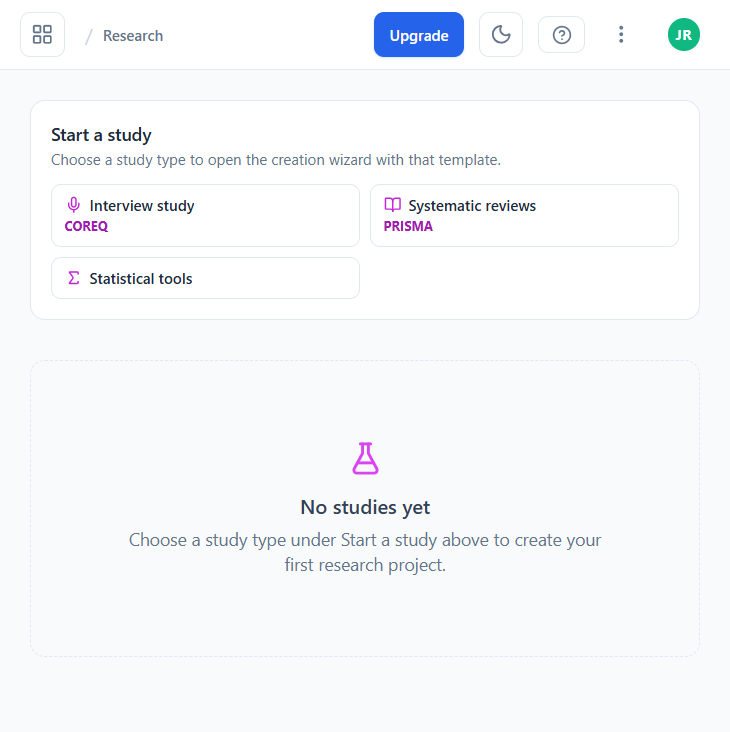
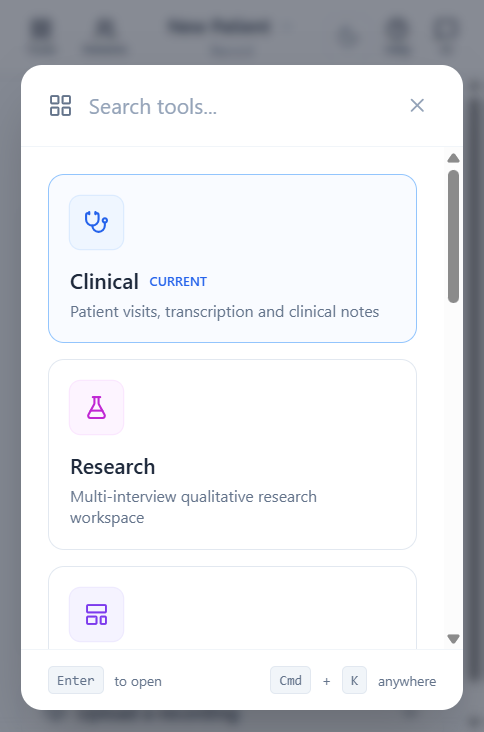
Start or reopen interview studies, systematic reviews, and standalone statistical tools from one research home.
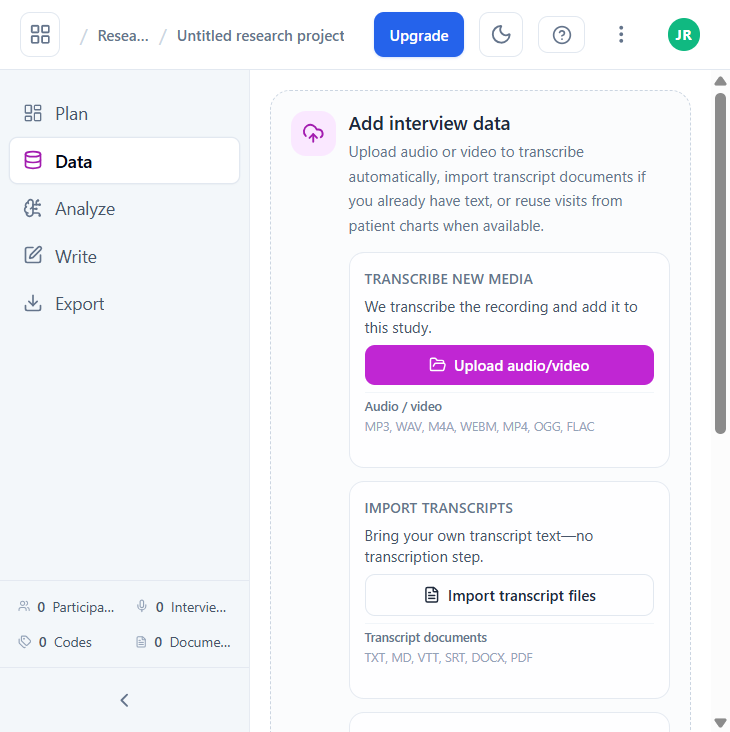
Upload recordings or transcripts, review text, redact identifiers, code themes, compare participants, and prepare exports.
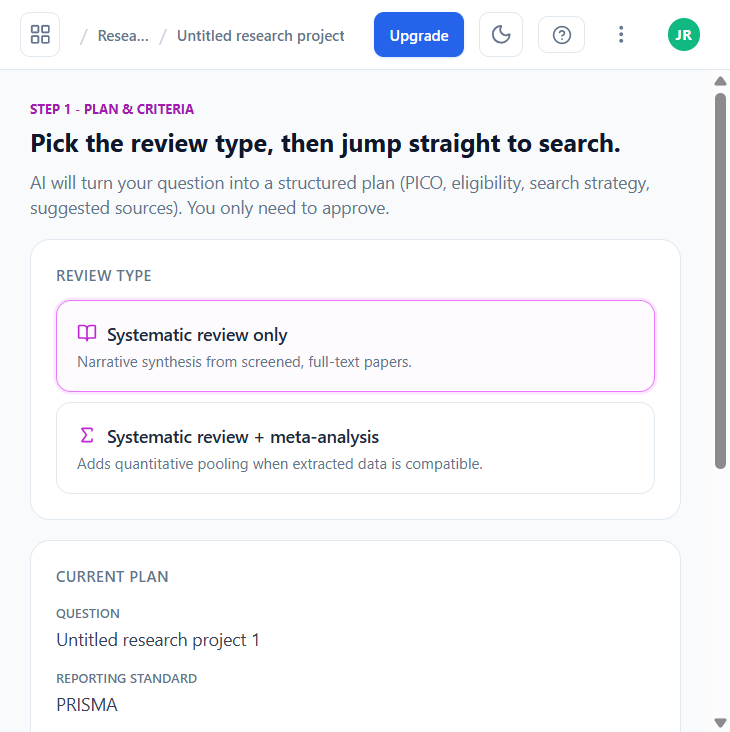
Move from a review question to PubMed search, abstract screening, evidence extraction, and structured writing.
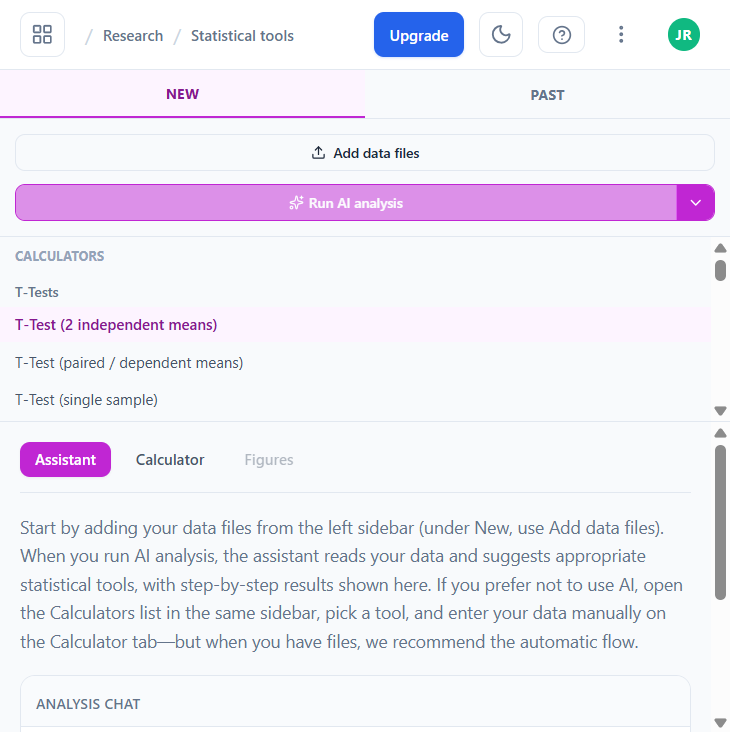
Upload a spreadsheet and run calculators, AI-assisted analysis plans, numeric outputs, and figures.
Keep access, professional context, security, and billing in order.
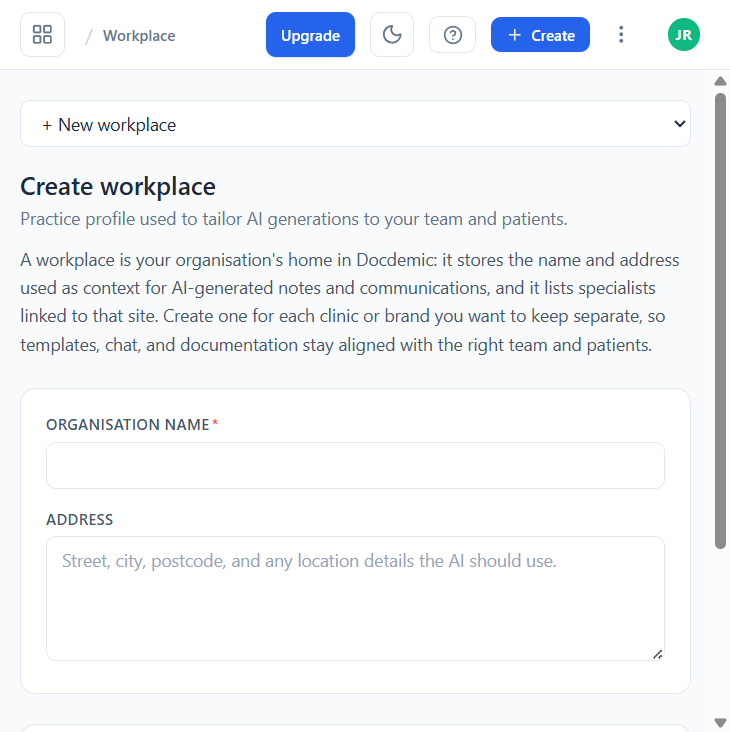
Store clinic, department, role, signature, and disclaimer details that generated outputs can reuse.
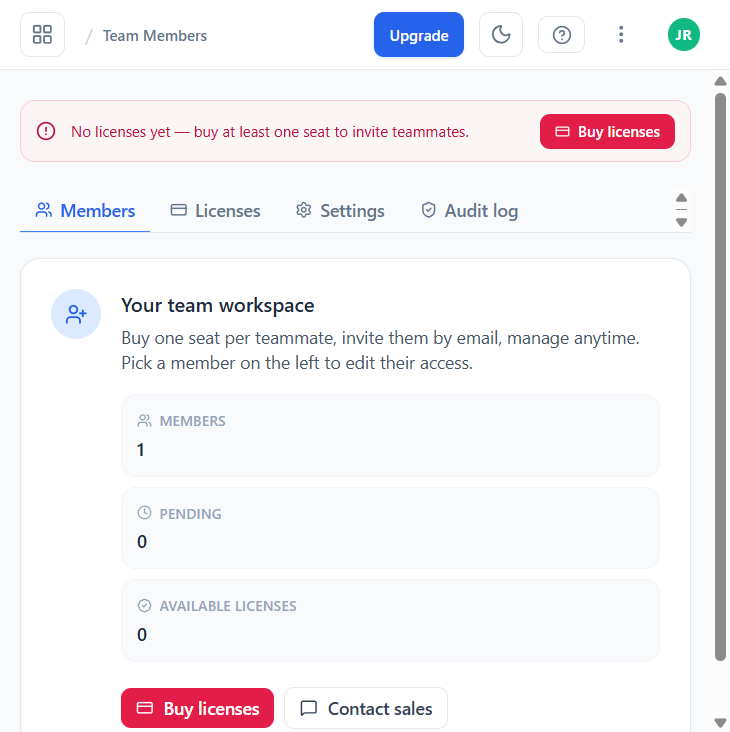
Invite users, assign appropriate access, manage seats, and remove access when someone leaves.
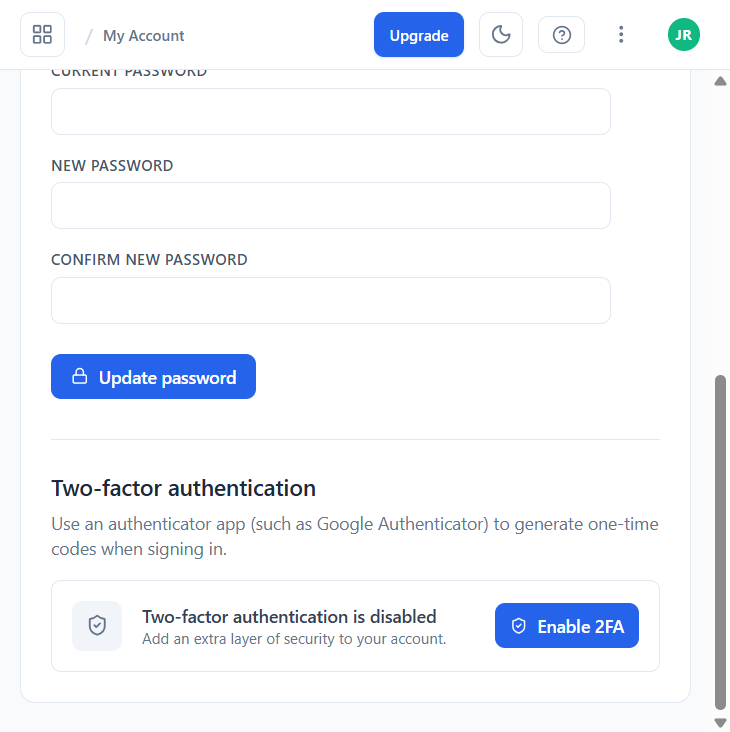
Review password, MFA, locale, and account safety settings that protect clinical and research data.
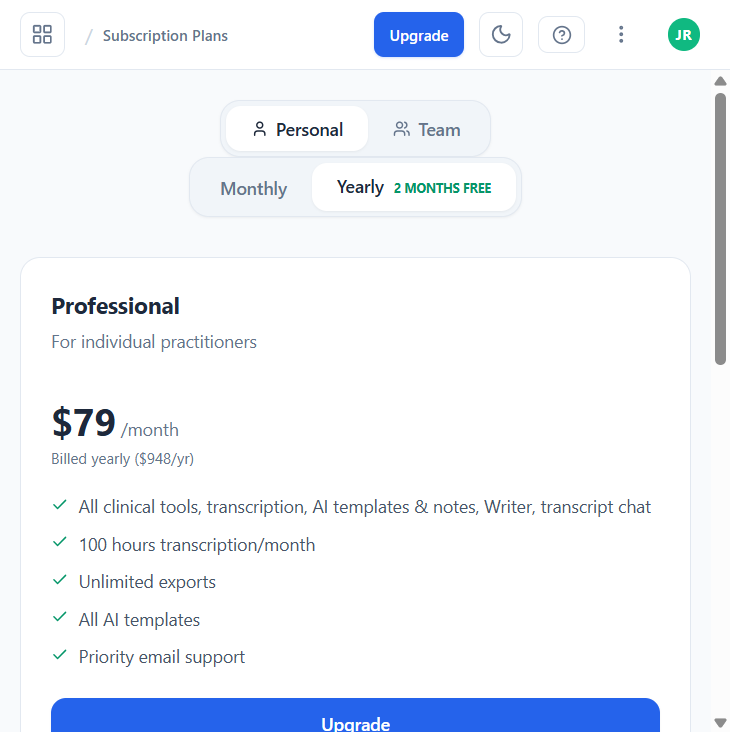
Understand your plan, usage meters, seats, upgrade options, and when to contact support for billing help.
Create a free account and start documenting in minutes. No credit card required.
Get Started FreeOur support team is here to help you with any questions.